AI Sprite Animator
Turn one character image into a full animation set your engine can actually play — aligned frame by frame, packed into a sprite sheet, exported with the atlas already written.
An AI sprite animator built for developers who can ship a game but cannot draw one.
- frames per action
- 4–16
- directions
- 4 / 8
- export targets
- Unity · Godot
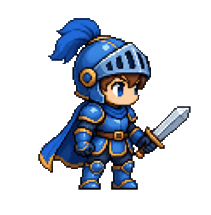
Generating the frames is the easy part
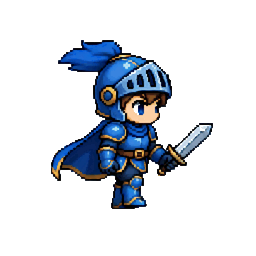
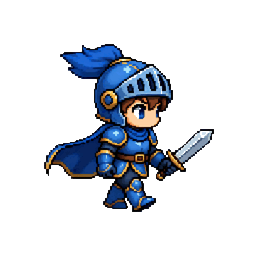
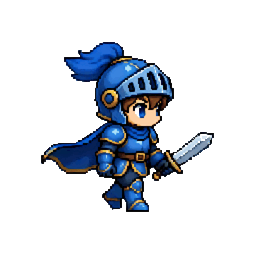
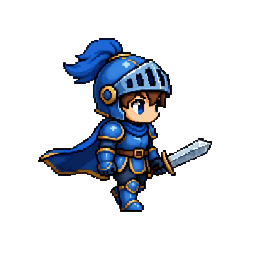
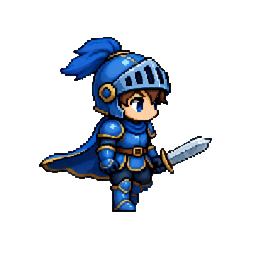
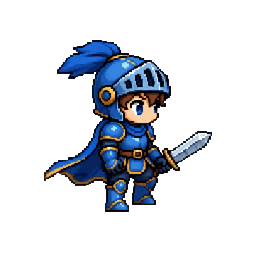
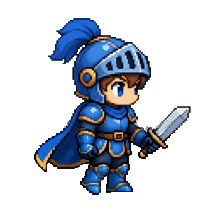
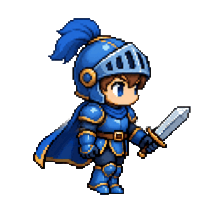
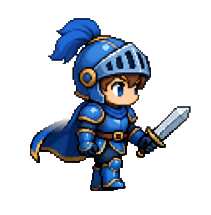
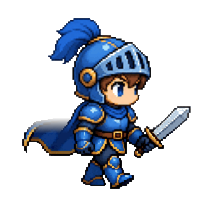
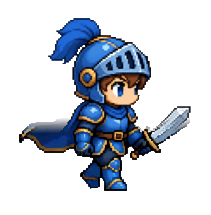
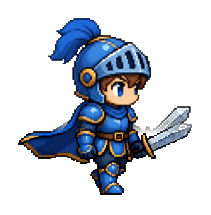
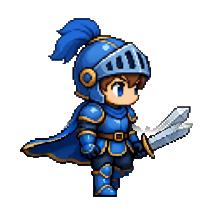
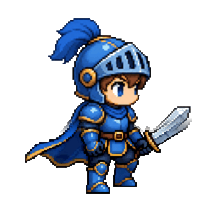
Any AI sprite animator can produce frames. The reason they land in your engine looking broken is that each frame is generated on its own, so the character never sits in quite the same place twice. Both panels below are the same nine generated frames — one set straight from the generator, one after our alignment pass.
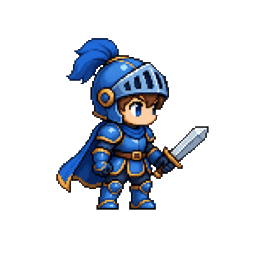
What a generator hands back. The character wanders between frames.
Phase-correlated against the first frame. It stays put.
frame 01 / 9 · same source frames · same pipeline you get
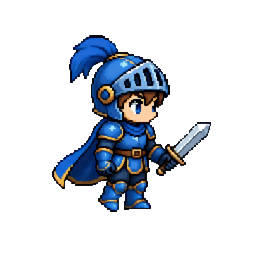
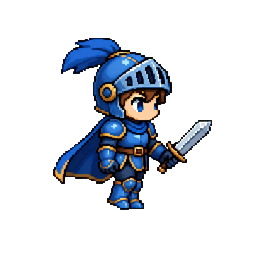
Exports your engine already understands
An AI sprite animator should hand you something you can drop straight in. One download: the sheet, the metadata each engine expects, a preview, and the raw frames — nothing left to slice by hand.
- sprite_walk.pngSprite sheet, uniform grid
- sprite_walk.jsonTexturePacker / Unity atlas
- sprite_walk.tresGodot 4 SpriteFrames
- sprite_walk.atlas.jsonPlain descriptor for custom loaders
- sprite_walk.gifLooping preview
- frames/walk_00…08.pngEvery frame, individually
"walk_08.png": {
  "frame":   { "x": 0, "y": 215, "w": 211, "h": 215 },
  "pivot":   { "x": 0.5, "y": 0 },
  "rotated": false,
  "trimmed": false
},
"meta": {
  "size":       { "w": 1688, "h": 430 },
  "frameRate":  12,
  "animations": { "walk": ["walk_00.png", …] }
}
Four steps, no animation experience
- 01
Bring a character
Upload frames you already generated, or start from one base sprite.
- 02
Frames get aligned
Background removed, stray pixels cleaned, drift corrected, identity locked.
- 03
Review all of them
The whole set at once. Drop whatever you do not want.
- 04
Export for your engine
Sheet, atlas, GIF and frames — in the shape your engine already reads.
Pricing
The AI sprite animator is free to use on a character start to finish. The paid tier is for volume and for keeping characters around between sessions.
Free
$0
Enough to take one character all the way through and see it in your engine.
- Generate a character and one animation
- Alignment and identity lock, unlimited
- Per-frame review, drop what you do not want
- Sheet + Unity/Godot atlas + GIF + frames
- No watermark, nothing uploaded
Indie
MOST USEFUL$19/month
For a project you are actually shipping. 500 frames a month.
- Generate animation frames from one character image
- Generate a base character from a description
- Eight directional views
- Re-roll a single frame
- Characters saved between sessions
Frequently asked questions
What does an AI sprite animator actually do?
It takes a single character image and produces the in-between frames of an animation — a walk, idle, run or attack cycle — then packs them into a sprite sheet your game engine can play. This one also aligns those frames so the character does not drift, and writes the atlas metadata alongside the image.
Why do AI-generated sprite frames jitter in my engine?
Each frame is generated independently, so the character lands in a slightly different position every time. Played back, that reads as shaking. We correct it with phase correlation against the first frame, locking the upper body while the motion plays out below it.
Which engines can use the export?
The bundle contains a sprite sheet PNG plus a TexturePacker-style JSON that Unity, Phaser and PixiJS read directly, a Godot 4 SpriteFrames .tres resource, an animated GIF for previews, and every frame as an individual PNG.
Do I need to be able to draw?
No — that is the point. If you have one character image, drawn or commissioned or generated, this turns it into an animated set. If you do not have one yet, you can generate the base character here first.
Can I fix a bad frame without regenerating everything?
Yes. Every frame is shown to you before export. Drop the ones you do not want and the sheet re-packs without them; the atlas and the GIF follow automatically.